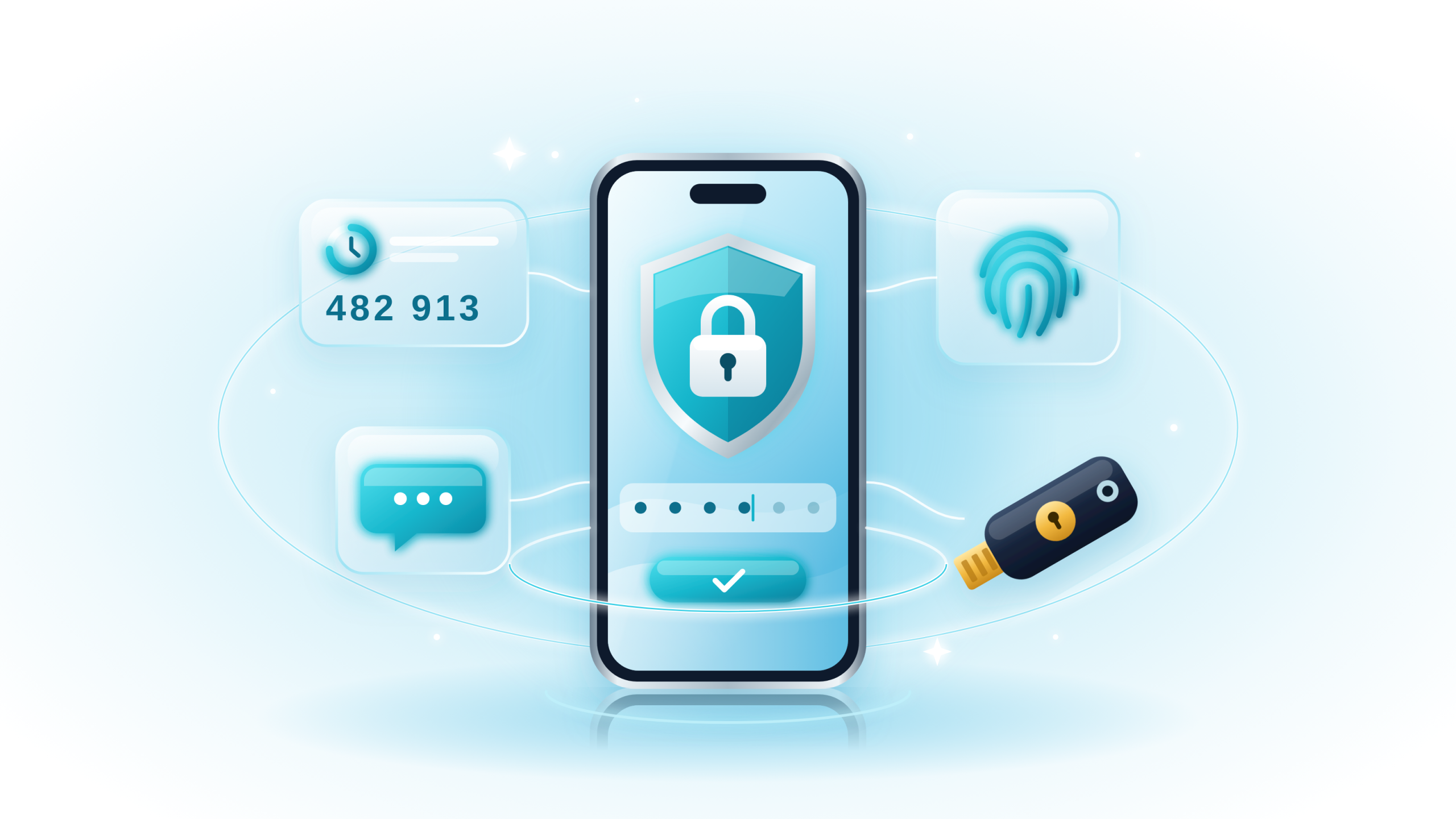

What is Two-Factor Authentication?
Simply put 2FA means:
Something you know (like a password) + Something you have (like your phone or fingerprint).
It’s like getting into a club where you need both an ID and to be on the guest list. One without the other? You’re not getting past the velvet rope.
This extra step makes it way harder for attackers to sneak in even if they somehow got your password.
Here’s the crack. A code from a text message or an app proves you have your phone. It doesn’t prove you’re typing it into the real website. A convincing fake login page can collect your code and pass it on within seconds.
The Rising Star: Passkeys
Passkeys replace the password entirely. Your device stores a private cryptographic key, and you unlock it with a fingerprint, face scan, or PIN. The key only works on the exact website that created it. A lookalike domain gets nothing.
Adoption has moved from niche to mainstream. The FIDO Alliance reports 5 billion passkeys now in use worldwide. Average sign-in drops to 8.5 seconds, versus 31 seconds for a password plus code. Google says passkey sign-ins carry a 99.9% lower compromise rate than passwords alone.
Why it’s promising:
- No passwords to steal.
- Hard to phish.
- Ultra-fast login.
Why it’s not there yet:
Adoption is still growing. Not every site supports them.
The Gold Standard: Hardware Security Keys
A hardware security key is a small USB or NFC device, such as a YubiKey. You tap or plug it in to approve a login. It checks the website’s identity before responding, so phishing pages fail.
The track record is remarkable. After Google required security keys for its 85,000-plus employees, it reported no successful phishing takeovers of work accounts.
Why it’s elite:
- Immune to phishing attacks. Even if you click a fake link, your key won’t unlock the wrong door.
- Works offline. No cell service? No problem.
- Forget about waiting for text messages that never come.
Downside? The downsides are practical rather than technical. Keys cost money, and losing one hurts. Buy two, register both, and keep the spare somewhere safe. For journalists, executives, and anyone holding sensitive client data, a hardware security key is well worth the price.
The Everyday Hero: Authenticator Apps
An authenticator app generates a fresh six-digit code every 30 seconds, right on your phone. It works offline and doesn’t depend on your mobile carrier. For most accounts today, it’s the practical default. If you want strong two-factor authentication without extra gadgets, authenticator apps are your best bet.
Why it’s great:
- Way more secure than SMS.
- No need for a physical key.
Why it’s not perfect:
- If you lose your phone and don’t have backup, it’s game over (unless you planned ahead).
- It isn’t phishing-resistant, though. A fake login page can capture your app code just like an SMS code.
Pro move: Enable backup and recovery options on your authenticator app.
Choose carefully. Look for encrypted backup, cross-device sync, and clean export. Our guide on how to choose an authenticator app compares seven popular options side by side.
The Convenient: Push Notifications
Push-based 2FA sends a “Was this you?” prompt to your phone. One tap, and you’re in. It’s pleasant, fast, and popular with workplace apps.
Upside:
- One tap. No typing.
- Great for corporate settings.
Downside:
- Attackers have started push bombing. That’s spamming you with requests until you tap “Approve” just to make it stop.
The Dinosaurs: SMS and Email Codes
This one’s tricky. SMS and email-based 2FA sound secure. After all, you need a code from your phone or inbox, right? The thing is, SMS is one of the most vulnerable two-factor authentication methods out there.
Criminals can hijack your phone number through SIM swapping, convincing your carrier to move it to their SIM. After that, your codes arrive on their phone. Email codes share a similar problem. If your inbox falls, every code sent there falls with it.
Still better than no 2FA, but if you’re serious about security, it’s time to upgrade.
Two-Factor Authentication Methods Compared
Here’s how the five two-factor authentication methods stack up at a glance:
| Method | Phishing-resistant? | SIM-swap safe? | Works offline? | Best for |
|---|---|---|---|---|
| Passkeys | Yes | Yes | Yes | Everyday accounts that support them |
| Hardware security key | Yes | Yes | Yes | High-value and work accounts |
| Authenticator app | No | Yes | Yes | Sites without passkey support |
| Push notifications | Partly, with number matching | Yes | No | Workplace logins |
| SMS and email codes | No | No | No | Last resort only |
And skipping 2FA entirely? That’s not a method. It’s an open invitation.
How to Upgrade Your 2FA in 15 Minutes
You don’t need to overhaul everything tonight. Start with the accounts that unlock all the others:
- Secure your email first. It’s the reset button for every other account.
- Move banking and cloud storage off SMS. Switch to passkeys where offered, or an authenticator app otherwise.
- Turn on 2FA for pCloud. Open your pCloud security settings and choose the authenticator app option.
- Save your recovery codes. Store them in an encrypted password manager like pCloud Pass, not a sticky note.
- Register a backup method. A second key or device keeps a lost phone from locking you out.
For the broader picture, including phishing and password hygiene, read 5 Ways to Improve Your Online Security.